Discovering that your TCL Roku TV screen has gone dark can disrupt your viewing experience. Whether it’s an unexpected glitch or an underlying issue, addressing a dark screen promptly ensures you can return to enjoying your favorite programs. This guide provides in-depth solutions to help you resolve and prevent this issue.
Introduction
TCL Roku TVs are a favorite for their user-friendly interface and robust features. But when confronted with a dark screen, the convenience can quickly turn to frustration. The good news is, with a systematic approach, most dark screen issues can be identified and resolved, restoring your viewing environment to normal.
Understanding the Issue
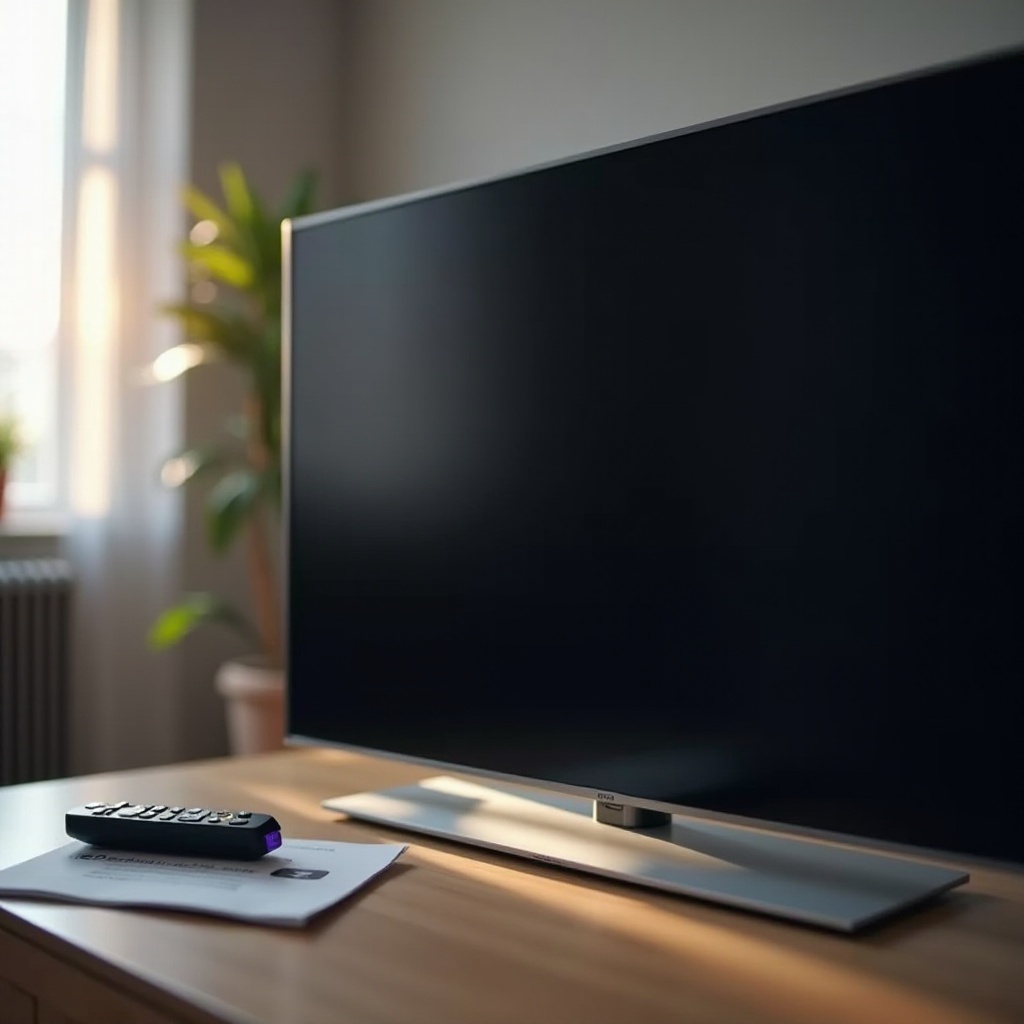
For effective resolution, it’s crucial to first understand why the screen might be dark. Determining if the problem is software or hardware-related will help you target your troubleshooting efforts.
- Common Causes of Screen Darkness: Power interruptions, misconfigured settings, outdated firmware, or faulty HDMI connections can all lead to a dark screen.
- Differentiating Between Software and Hardware Problems: Software issues often involve settings and firmware, while hardware issues might involve cables or internal components.
With clarity on the potential causes, you’re prepared to begin troubleshooting.
Step-by-Step Troubleshooting Guide
Use this detailed guide to systematically isolate and resolve the cause of your dark TCL Roku TV screen.
- Checking Power Supply and Connections:
- Verify that the TV is correctly plugged into a functioning outlet.
- Examine cables for secure connections; a loose cable can cause the screen to go dark.
-
Test another outlet or power strip to eliminate power issues.
-
Adjusting Brightness and Display Settings:
- Open the TV’s settings menu via remote. Access ‘Display’ settings to adjust brightness.
-
Experiment with different settings to see if the brightness adjustment affects the screen.
-
Inspecting HDMI and External Connections:
- Check that HDMI cables are firmly connected to the TV and any external device.
- Try using different HDMI ports or a new cable if possible.
- Detach all external connections and reboot the TV to verify if the problem persists.
If these steps don’t solve the issue, advanced solutions may provide a resolution.
Advanced Solutions for Persistent Screen Darkness
When basic troubleshooting doesn’t fix the problem, it’s time to try more advanced measures.
- Updating Firmware to Resolve Display Issues:
- Ensure your TV has the latest firmware. Navigate to ‘Settings,’ then ‘System,’ and choose ‘System Update.
-
Follow prompts to download and install any available updates.
-
Performing a Factory Reset Safely:
- As a last resort, doing a factory reset can remove potential software errs that affect the screen.
- Go to ‘Settings,’ ‘System,’ ‘Advanced System Settings,’ and select ‘Factory Reset.
- Be prepared to reconfigure your settings after this process.
Proactively tackling these aspects should restore your screen’s functionality.
Preventive Measures to Avoid Screen Problems
To avoid future screen issues, implement regular maintenance and careful handling.
- Regular Maintenance and Updates:
- Set reminders to check for system updates regularly, ensuring optimal performance.
-
Keep cables organized to prevent wear and tear.
-
Proper Handling and Care Tips:
- Move the TV cautiously and clean it gently to avoid damage.
- Protect the unit from extreme temperatures and humid environments.
These habits will help keep your TCL Roku TV functioning smoothly.
Seeking Professional Help
If the issue persists despite troubleshooting, seeking expert assistance is advisable.
- When to Contact TCL Support:
- If troubleshooting is unsuccessful, TCL’s support team can provide specialized solutions.
-
They can also assist in assessing warranty options or repair services.
-
Finding Reliable TV Repair Services:
- If the TV is beyond warranty, engage reputable repair services with good reviews.
- Ensure they specialize in TV repairs for the best outcome.
Conclusion
A dark screen can be a significant inconvenience, but understanding the causes and applying the right solutions can quickly restore your TCL Roku TV. Regular maintenance, prompt updates, and expert assistance when needed will ensure your TV continues to perform well.
Frequently Asked Questions
Why is my TCL Roku TV screen dark but I can hear sound?
This might indicate an issue with the backlight or a setting error. Review the picture settings or try the troubleshooting steps provided.
How do I reset my TCL Roku TV with a black screen?
To reset, press the reset button on the TV, if accessible, or follow the manual steps for using the remote.
Can a power surge cause screen issues on TCL Roku TVs?
Yes, power surges can damage electronics and result in screen issues. Use a surge protector to prevent this.