Introduction
Sound disruptions on your TV are more than just an inconvenience—they hinder your overall viewing experience. Imagine yourself relaxing, ready to enjoy a movie or show, and then experiencing interruptions in audio clarity. Recognizing and addressing the reasons for sound cutouts can spare you from these nuisances. This guide delves into the common causes and effective solutions to ensure your TV sound is running smoothly, providing you with uninterrupted entertainment.
Common Causes of Sound Cutting Out
To tackle sound issues on your television, start by identifying the root causes.
-
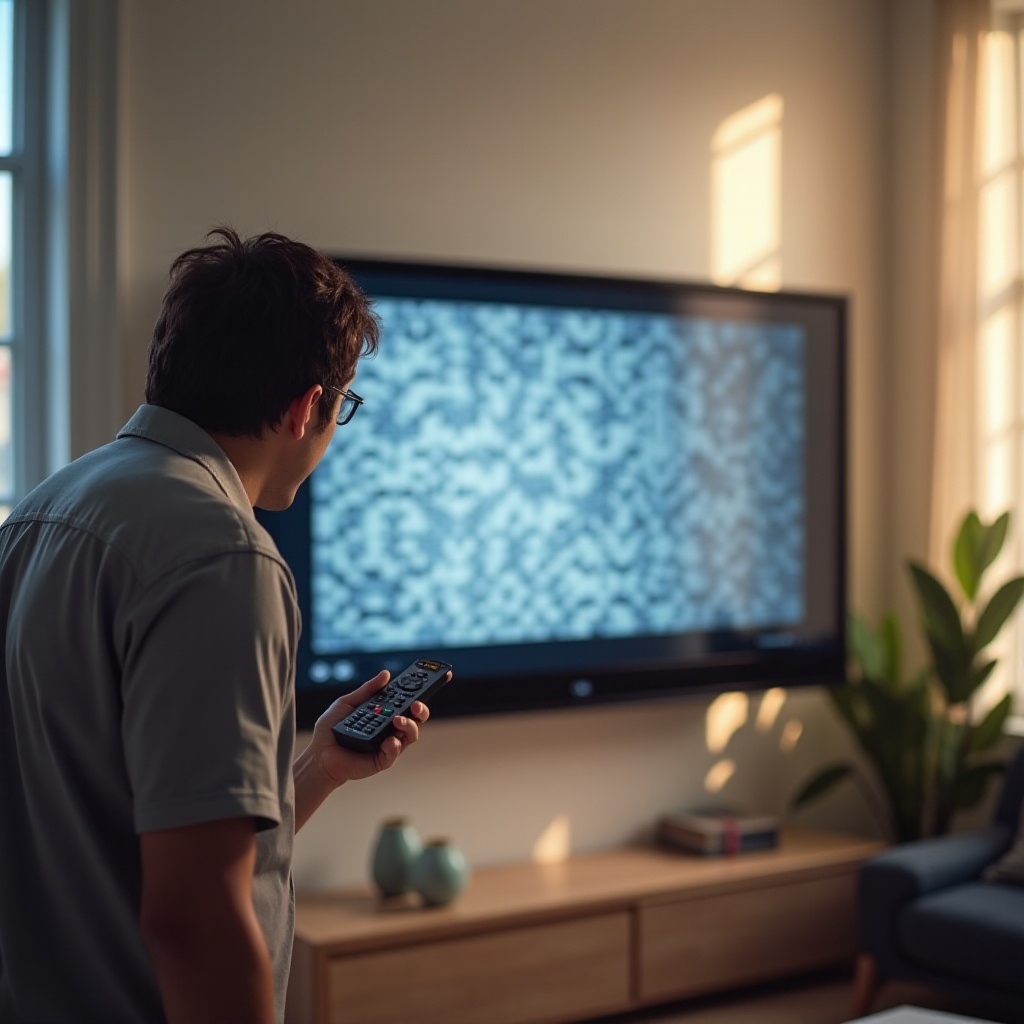
Hardware Issues: Sound problems often stem from physical components within your setup. Inspect for loose or damaged cables, as they can interrupt the flow of audio signals. Focus on HDMI, optical, or RCA connections. Additionally, internal speaker malfunctions may lead to sound cutouts.
-
Software Problems: Outdated firmware can significantly impair audio performance on your TV. Incorrect audio settings might also be at fault. It’s crucial to ensure your device’s settings align with your speaker setup to prevent disruptions.
Understanding these foundational causes forms the basis for tackling the audio issues effectively. With identified issues, you can proceed to implement specific techniques to resolve them.
Step-by-Step Troubleshooting Guide
Follow these structured steps to rectify sound issues on your TV.
- Preliminary Checks:
- Assure all cables are securely connected and free from damage.
-
Verify your power source is stable and functional.
-
Software Solutions:
- Regularly update your TV’s firmware, as manufacturers provide updates to enhance performance and fix existing bugs.
- Restore audio settings to their default configurations, especially if recent changes have been made or new devices integrated.
These fundamental steps often resolve sound issues without external help. Should these prove ineffective, more complex methods are available.
Advanced Solutions
When basic troubleshooting doesn’t resolve your audio problems, consider these more in-depth strategies.
-
External Speaker Setup: Consider integrating a sound bar or a surround sound system for amplified audio. Using external speakers can bypass intrinsic speaker limitations, delivering superior sound quality.
-
Contacting Professional Help: In cases where DIY fixes fall short, contact your TV manufacturer’s customer support, particularly if your device remains under warranty. Professionals provide diagnostic services with specialized equipment and expertise.
These advanced solutions offer significant enhancements when simple fixes fail to restore quality audio.
Preventative Measures and Tips
Avoid future sound disruptions by implementing these preventative measures.
-
Regular Maintenance: Conduct periodic checks on cable connections and inspect for wear and tear. Keep your TV area clean to avoid dust build-up, which might impact performance.
-
Software Updates: Consistently update your TV firmware. Regular software releases from manufacturers prevent prevalent sound issues and boost functionality.
These strategies ensure optimal performance and minimize potential sound interruptions, letting you enjoy your favorite programs without any sound hiccups.
Conclusion
Sound issues on your television are not insurmountable. By systematically identifying the causes and applying the outlined remedies, you can effectively restore and maintain your TV’s audio quality. The key is comprehending how both hardware and software aspects contribute to sound performance. Armed with this knowledge, you can continue enjoying a seamless viewing experience, free from disruptive sound cutouts.
Frequently Asked Questions
Why does my TV sound keep cutting out intermittently?
Intermittent sound issues often stem from loose connections or outdated firmware. Secure all cables and keep the software up-to-date for optimum performance.
Can outdated firmware cause sound issues on my TV?
Yes, outdated firmware may cause bugs that disrupt audio. Regular updates from your TV manufacturer can remedy these and improve overall functionality.
How do I connect external speakers to my TV for better sound quality?
To connect external speakers, utilize HDMI or optical cables. Consult your TV’s manual for specific setup instructions and adjust the settings for external audio output.