Introduction
ASUS TUF motherboards are celebrated for their durability and excellent performance, but they can exhibit a perplexing white light issue. This indicator light often suggests deeper underlying problems. This guide provides insights into the meaning behind the white light and how to tackle potential causes efficiently. By understanding these nuances, you can maintain the robust performance of your system without unnecessary frustration.
What Does the White Light on an ASUS TUF Motherboard Indicate?
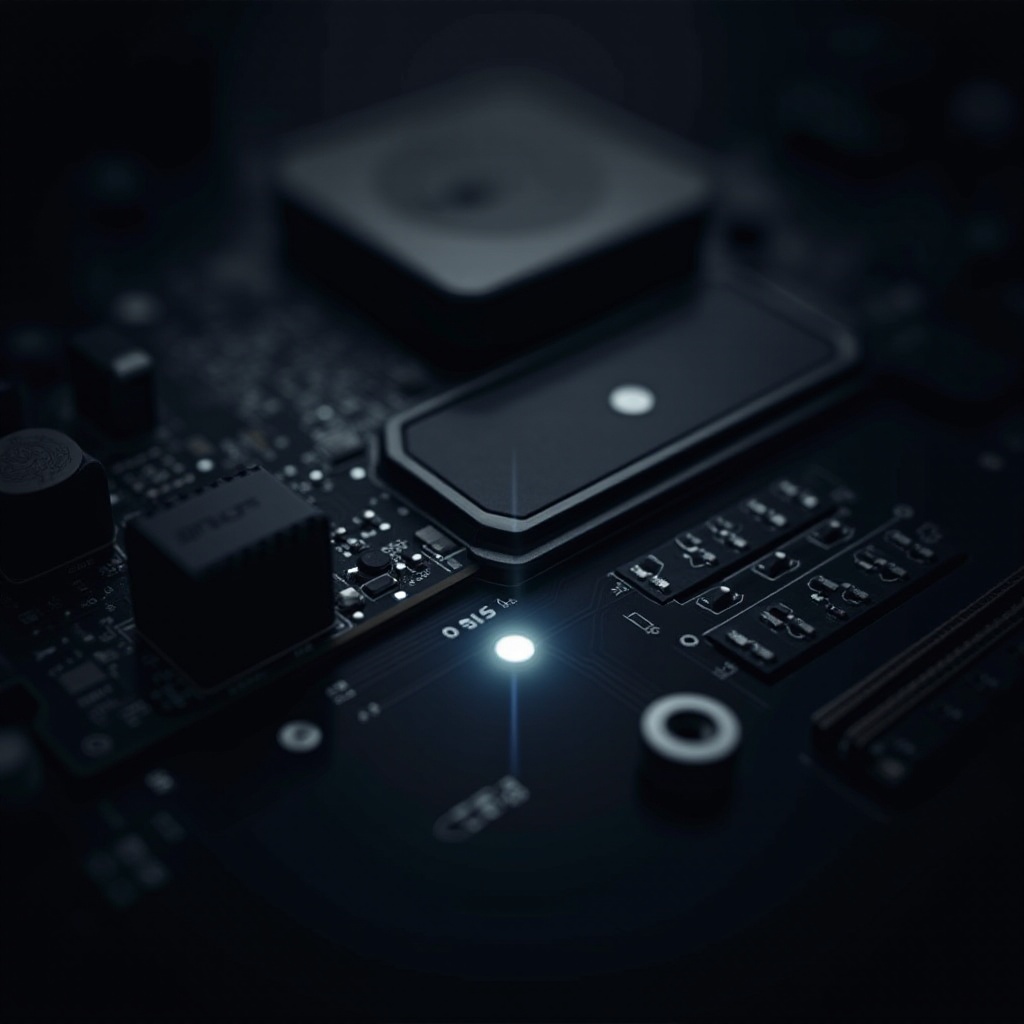
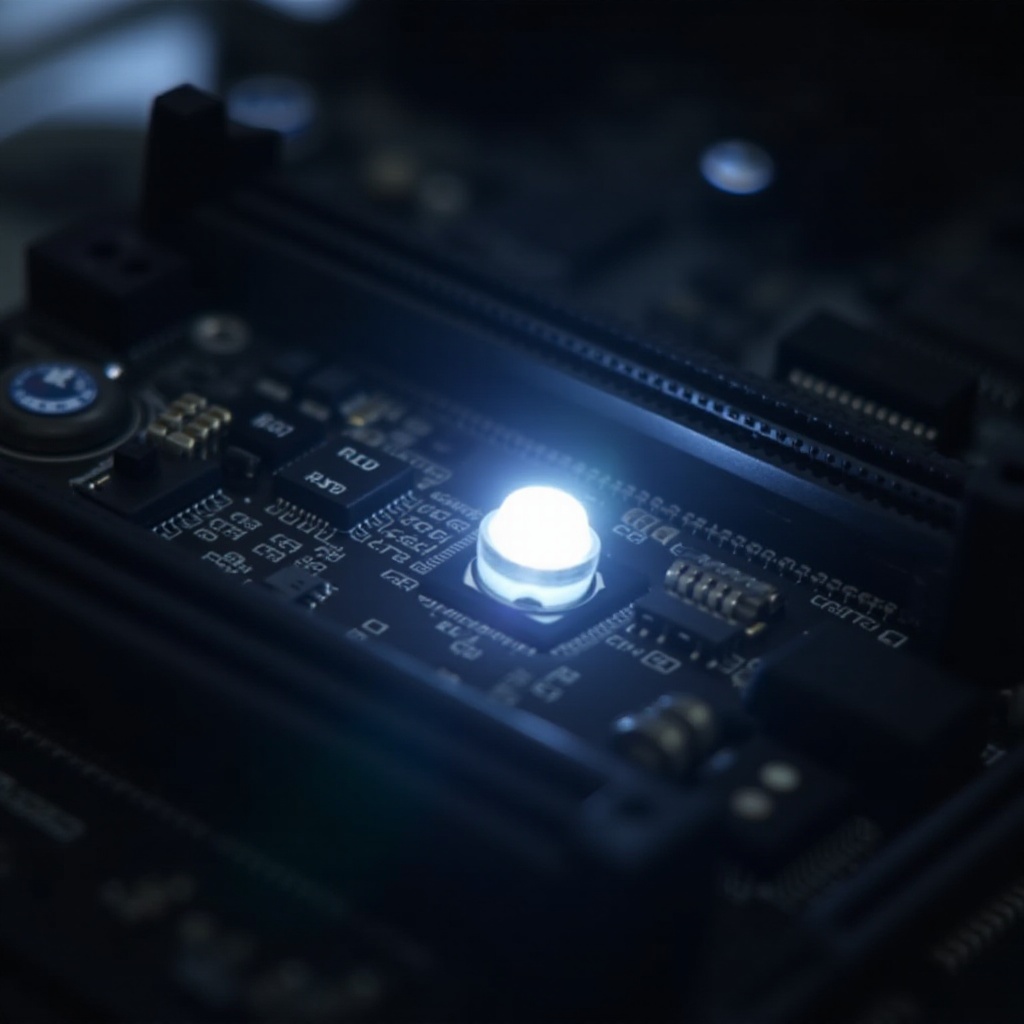
The white light on an ASUS TUF motherboard acts as a diagnostic signal of system health and status during startup. Familiarizing yourself with its significance is crucial for accurate troubleshooting.
-
Overview of ASUS TUF Motherboards: ASUS TUF boards are known for their sturdy construction and stability. The diagnostic LEDs included offer straightforward information about system errors.
-
Significance of Motherboard Indicator Lights: These lights enable swift diagnostics. They inform users of the status of their motherboards and pinpoint possible errors swiftly.
Understanding these lights helps target troubleshooting effectively, which is why it’s important to detect what triggers the stubborn white light.
Common Causes of the White Light
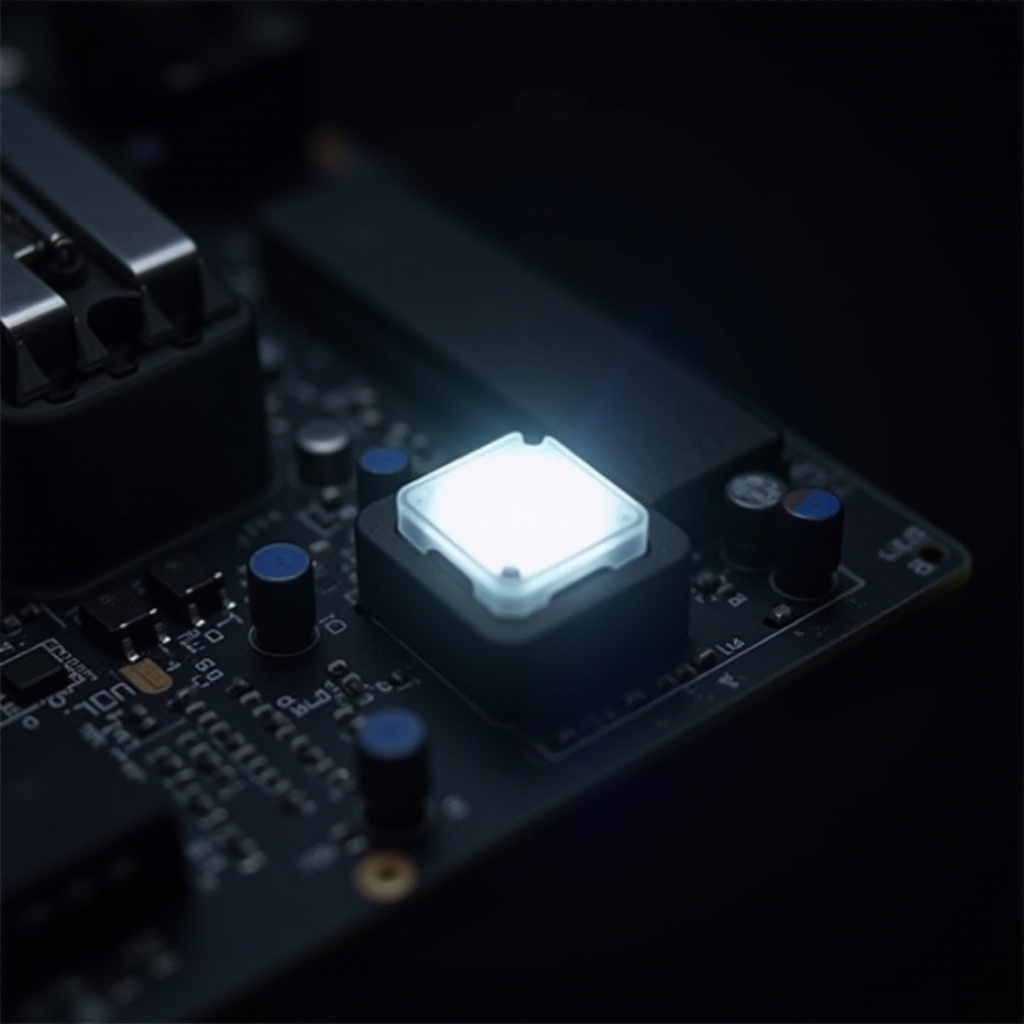
The presence of a white light can arise from various issues. Recognizing these causes allows for precise troubleshooting.
-
Post and Boot Issues: Such problems occur when the Power-On Self Test (POST) fails to complete. A flashing white light could indicate an incomplete boot process, suggesting an investigation into hardware or software issues.
-
Hardware Compatibility Problems: This light may also indicate incompatible or misinstalled hardware components such as RAM or GPUs.
Identifying these causes helps in directing an appropriate troubleshooting strategy. Let’s now move to initial resolution steps.
Initial Troubleshooting Steps
Before pursuing more complicated solutions, start with basic troubleshooting, which frequently resolves issues.
-
Checking Physical Connections: Verify that all cables linked to the motherboard and other components are properly connected. Loose connections can interrupt the startup process, causing the white light.
-
Ensuring Proper Component Installation: Confirm that components such as RAM and GPUs are securely seated in their slots. Improperly seated components are often culprits of boot concerns.
If these initial steps don’t solve the issue, look into advanced troubleshooting techniques for more involved analysis.
Advanced Troubleshooting Techniques
When basic steps prove inadequate, advanced troubleshooting methods can help.
-
BIOS Settings Adjustments: Enter the BIOS to update and check settings. Misconfigured BIOS can affect system operations, leading to persistent errors.
-
Diagnostic Software Tools: Employ software tools to identify errors. Programs like ASUS Armoury Crate can clarify specific configuration problems.
-
Testing with Alternative Components: Swap out suspected failing hardware temporarily. Testing with different RAM or GPUs can determine hardware faults.
These advanced tactics provide thorough investigation. Maintaining ongoing health requires taking preventive measures.
How to Prevent Future Indicator Light Issues
To preclude future indicator light concerns, engage in regular upkeep.
-
Routine Maintenance Tips: Regular cleaning of your PC interior to prevent dust accumulation and overheating components is key.
-
Ensuring System Compatibility: Verify new hardware compatibility with existing components, which can prevent future errors.
Employing these preventative practices can lessen the frequency of indicator light issues, guaranteeing persistent functioning. Let’s recap successful strategies and solutions discussed.
Conclusion
The white light on ASUS TUF motherboards serves as an essential diagnostic aid, aiding in quick identification of system problems. Whether stemming from disconnections or intricate compatibility issues, understanding the light’s role is pivotal for resolution. Through a blend of initial and advanced troubleshooting and preventive measures, one can efficiently address these problems, maintaining optimal system performance.
Frequently Asked Questions
What should I do if my ASUS TUF motherboard shows a white light continuously?
Start with initial troubleshooting like checking connections and component seating. If unresolved, move to BIOS and software diagnostics.
Can the white light on an ASUS TUF motherboard indicate a serious problem?
Yes, it might signal hardware failures or configuration errors that need immediate attention and potentially advanced diagnostic tools.
Are there specific diagnostic tools recommended for ASUS TUF motherboard issues?
ASUS Armoury Crate and other system scanning software are recommended for identifying and resolving ASUS TUF motherboard issues efficiently.