Introduction
The Sonos Playbar is celebrated for its remarkable ability to enhance home sound systems. With users demanding the best audio experiences in their living rooms, diving into the Sonos Playbar’s specifications is essential. This guide explores its exceptional features, helping you make the most informed decision.

Overview of Sonos Playbar Features
The Sonos Playbar stands out with its nine-speaker architecture that includes mid-range woofers and precise tweeters, delivering immersive sound. It is designed to complement any decor and seamlessly fits with your TV remote, ensuring user-friendly setup and operation. Furthermore, its compatibility with other Sonos devices offers endless possibilities for multi-room audio experiences, controllable directly from your smartphone.
Detailed Specifications
Exploring the Sonos Playbar’s specifications provides a deeper insight into its capabilities:
-
Audio Capabilities: Featuring a nine-speaker array, the Playbar includes six mid-range drivers and three tweeters. Together, they produce a rich, theater-like sound.
-
Connectivity Options: With Optical Audio connection supporting Dolby Digital, the Playbar easily hooks up to your TV. Plus, wireless connectivity allows integration with other Sonos speakers, expanding your audio setup effortlessly.
-
Design and Physical Dimensions: Compact, the Playbar measures 35 x 3.4 x 5.5 inches, weighing 11.9 pounds. This makes it easy to fit beneath most TVs, offering a powerful sound delivery.
Performance Insights
The Sonos Playbar is not just about looks; it transforms the auditory experience:
-
Sound Quality Analysis: Thanks to its sophisticated audio setup, the Playbar delivers pristine dialogue and robust bass, ensuring no sound detail is missed during movies or music.
-
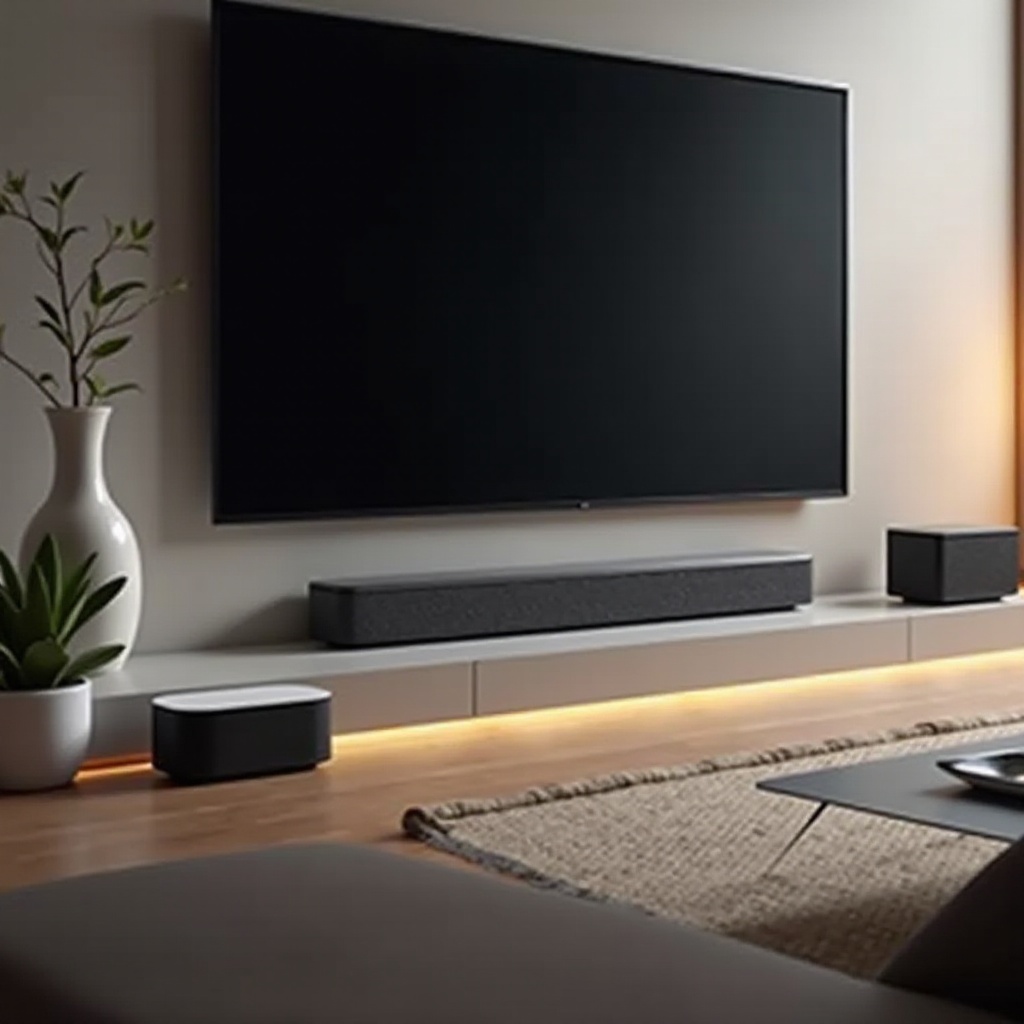
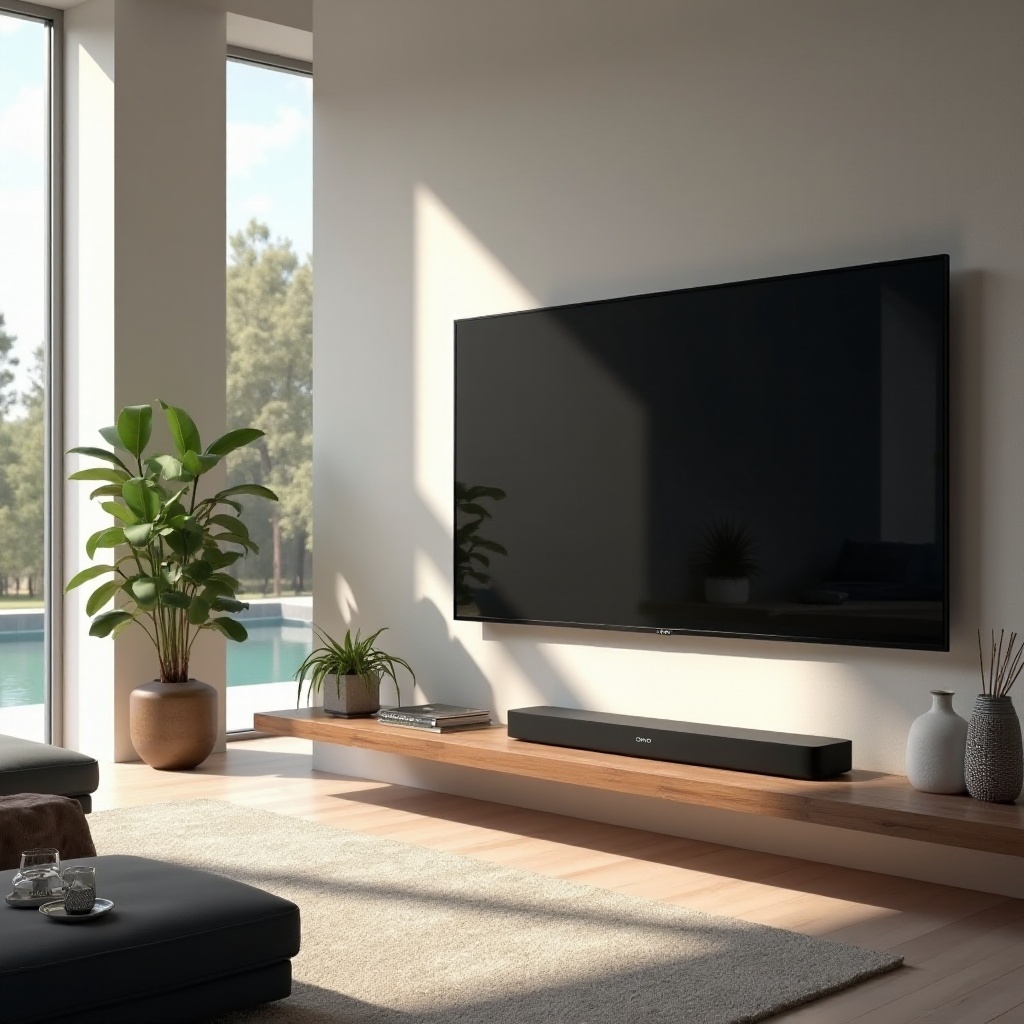
Setup and Optimization Tips: Placement impacts performance—choose between wall mounting or a TV stand setup, which influences sound projection. Utilize the Sonos app for adjusting settings matching your room size and layout.
Linking its detailed specifications to performance insights, the Playbar excels not only in technical specs but also in delivering true listening pleasure.
Comparison with Other Sonos Products
Navigating the Sonos product range may be challenging. This section offers clarity:
-
Sonos Playbar vs. Sonos Beam: The Beam is compact with smart voice control features, whereas the Playbar impresses with superior audio quality, perfect for larger spaces.
-
Sonos Playbar vs. Sonos Arc: The Arc boasts Dolby Atmos for three-dimensional sound. Yet, the Playbar remains a favorite for those seeking straightforward, high-quality stereo sound.
Transitioning from performance to comparisons, understanding how the Playbar stands against other Sonos products gives users a clear choice based on their specific audio needs.
User Reviews and Feedback
Users frequently praise the Playbar for its exceptional integration and sound quality. Setting it up is a breeze, especially when combined with other Sonos speakers for surround sound systems. Although newer models offer voice control, users still lean towards the Playbar for its impressive audio depth.
Conclusion
The Sonos Playbar proves to be a formidable option for anyone aiming to elevate their audio setup. With its robust sound and stylish design, it attracts both casual listeners and audiophiles. Whether part of a sophisticated home theater or enhancing TV audio, the Playbar delivers superb sound quality.
Frequently Asked Questions
What are the main differences in sound quality between the Sonos Playbar and Sonos Beam?
The Sonos Playbar provides superior sound quality with its nine-speaker array, ideal for larger rooms, while the Sonos Beam is more compact and includes smart voice control.
Can the Sonos Playbar support Dolby Atmos?
No, the Sonos Playbar supports Dolby Digital. For Dolby Atmos, consider the Sonos Arc, which is equipped with this technology.
How do I optimize the placement of my Sonos Playbar for the best sound experience?
Placement is crucial: either wall-mount it or position it on a TV stand. Ensure alignment with your listening position and use the Sonos app for tailored setting adjustments.