Introduction
Many Vizio TV owners are familiar with the frustrating scenario where the TV’s power light is on, yet the screen remains blank. This issue is common and can stem from various causes, including remote malfunctions to deeper hardware issues. Knowing how to identify and troubleshoot these problems will save you time and ensure your TV returns to normal operations quickly. This guide will present practical steps enabling you to tackle this issue like a pro, without significant downtime.
Understanding the Indicator Light and TV Status
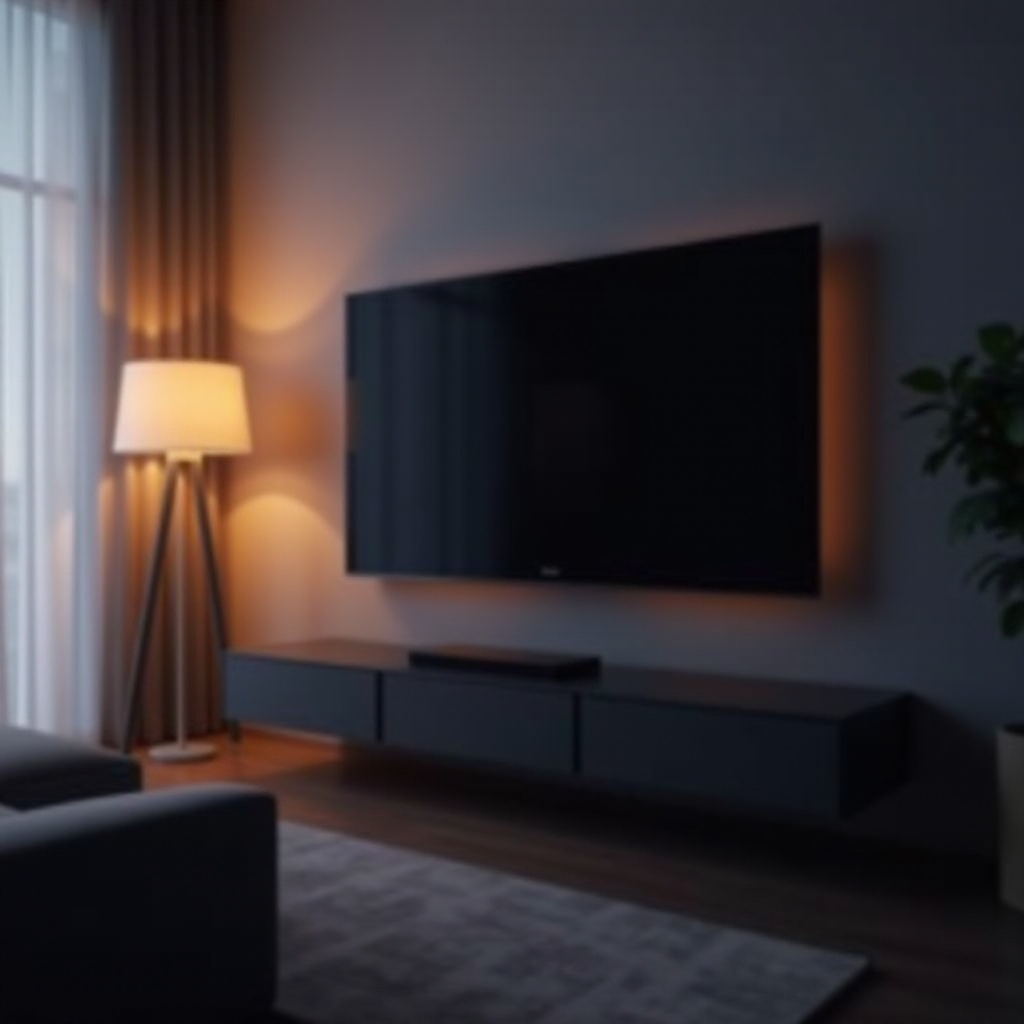
The indicator light on your Vizio TV is more than a basic signal; it provides vital information about your TV’s condition. When the light is illuminated but the screen doesn’t activate, it hints at a power connectivity issue or a software malfunction that complicates normal function. Understanding what these indications mean can direct you toward the right troubleshooting path. By knowing this, you can more effectively navigate the options before moving to hands-on solutions.
Basic Troubleshooting Steps
After grasping the significance of the indicator light, the next move is to apply basic troubleshooting tactics that often resolve prevalent causes.
– Checking Power Connections: Confirm the power cord is securely plugged into the TV and the wall outlet. Test the outlet using another device to ensure its functionality.
– Verifying Remote Control Operation: Replace the remote control batteries with fresh ones for improved signal transmission. Make certain your remote is appropriately paired with the TV.
– Ensuring Correct Input Source: Navigate through the TV menu to select the correct input source linked to your viewing device. Incorrect menu settings can cause display issues even if the TV is ‘on’.
These basic steps should be approached first, as they commonly fix simple issues without needing a technical service call.
Advanced Troubleshooting Techniques
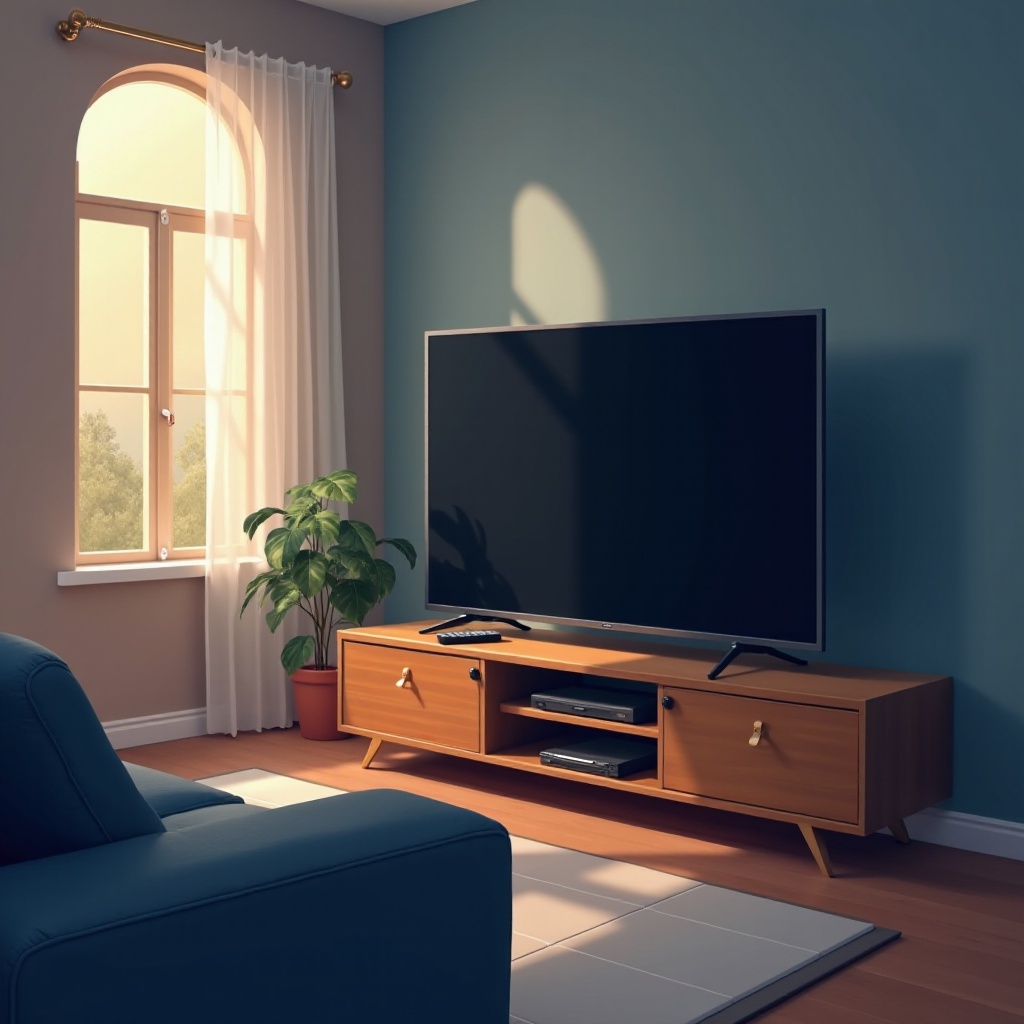
If basic steps don’t resolve the problem, exploring more advanced solutions might be necessary. These tactics address deeper underlying issues.
– Performing a Power Cycle: Disconnect your TV from the power source, wait 30 seconds, plug it back in, and turn it on. This method can often clear system bugs interrupting start-up processes.
– Inspecting Hardware Connections: Ensure all HDMI and AV cables are securely connected and undamaged. Reconnect them if necessary and ensure they are free from debris.
– Updating TV Firmware: Access the TV’s menu and search for available software updates to improve performance and solve compatibility obstacles.
These advanced steps are intended for persistent issues needing detailed attention.
When Professional Help is Needed
Should these troubleshooting efforts fail to rectify the problem, professional intervention might be required. As you continue to inspect, watch for signs of serious hardware malfunctions. Sounds, flickering lights, or unusual performance can signal deeper issues that benefit from expert evaluation.
At this juncture, contacting Vizio support becomes prudent. Prepare your TV’s warranty details since these serve useful for assessing repair or replacement costs.
Conclusion
Resolving a Vizio TV that won’t turn on despite the indicator light can be challenging. However, understanding the implications of the light and applying the solutions outlined can help in returning your TV to full functionality without extensive delays. Should these maneuvers fall short, turning towards professional assistance ensures that complicated problems are effectively addressed. Equip yourself with the knowledge to troubleshoot effectively, and soon you’ll enjoy seamless viewing once again.
Frequently Asked Questions
How can I reset my Vizio TV?
Press the ‘Menu’ button, navigate to ‘System’, choose ‘Reset & Admin’, and select ‘Reset TV to Factory Settings’. Follow the prompts to complete the reset.
What should I do if my Vizio TV screen is flickering?
Confirm and tighten all cable connections, then update your TV’s firmware using the settings menu. Persistent flickering may need a professional check.
Is it safe to update firmware on my Vizio TV?
Yes, updating the firmware is safe and recommended for optimizing TV functionality and addressing software issues.