Introduction
Having your Wii U Gamepad refuse to turn on just when you were ready to dive into a gaming session can be incredibly frustrating. Thankfully, addressing the problem might be simpler than it seems. This guide will help you troubleshoot, diagnose, and potentially fix the issue preventing your device from powering up. By examining potential power supply issues, battery problems, and hardware concerns, you can identify the underlying cause. By the end of this troubleshooting guide, you will know precisely the steps to take to get your gamepad back in working condition for a fulfilling gaming experience.
Understanding the Source of the Problem
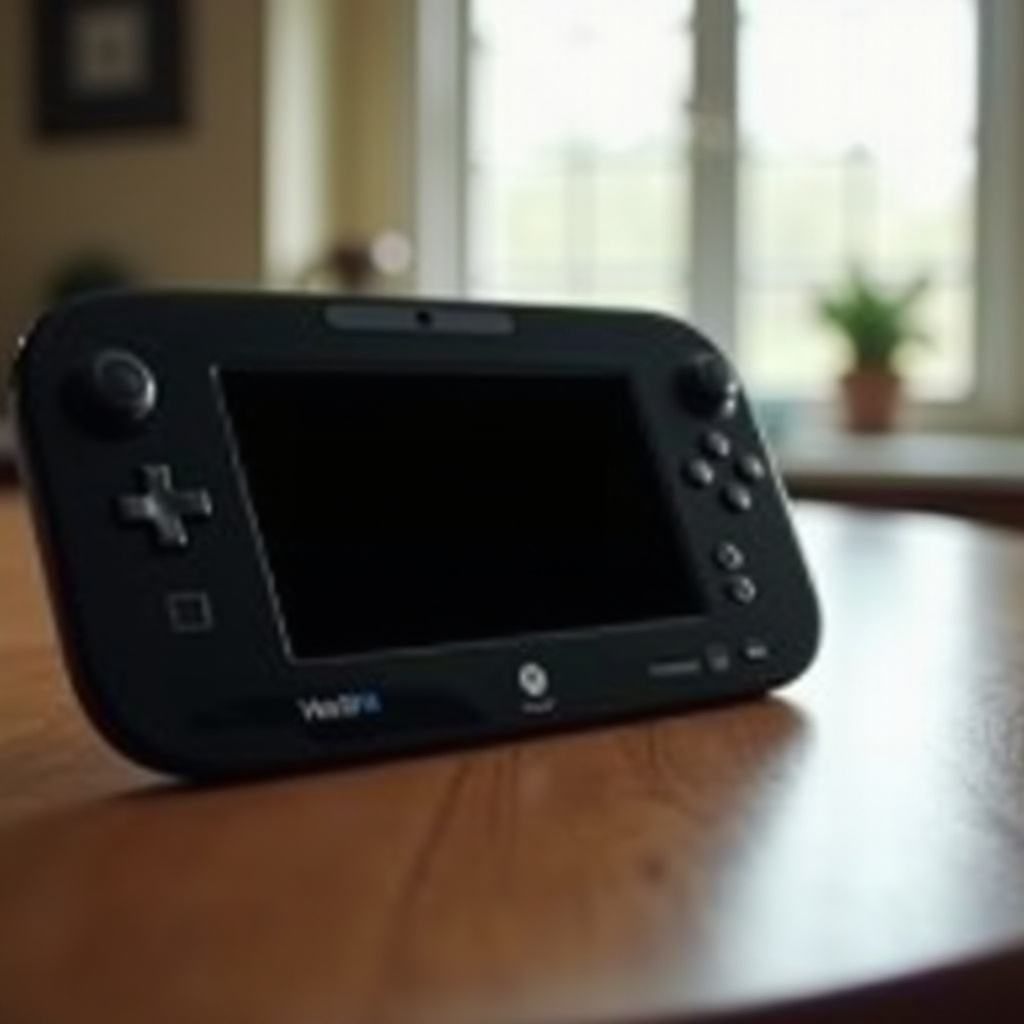
The first step in resolving the issue of your Wii U Gamepad not turning on is understanding the root cause. There are several potential factors that could result in an unresponsive gamepad. It might be grounded in something as straightforward as insufficient power supply due to a faulty outlet or cable. Alternatively, issues could be rooted internally—such as outdated firmware or a malfunctioning battery preventing the gamepad from receiving power. Understanding these possibilities helps streamline the troubleshooting process by allowing you to methodically deduce and address each one.
Initial Checks to Perform
Before diving into more advanced solutions, it is wise to conduct some basic checks. These preliminary steps might reveal simple fixes.
Inspect the Power Source
Start with checking the functionality of your power outlet. To do this, plug another electronic device into the same outlet to ensure it is operational. If the outlet is faulty, it might explain why your gamepad isn’t charging appropriately.
Evaluate the Charging Cable
Next, give your charging cable and adapter a thorough check for any visible signs of damage, such as frayed wires or bent prongs. These issues can cause charging disruptions. If any damage is detected, try using an alternative compatible charging cable with your Wii U Gamepad.
Verify Connection Integrity
Ensure the cable connectors are firmly inserted into both the gamepad’s charging port and the power outlet. Loose connections are a common cause for charging failures, so confirm everything is securely connected.
Advanced Troubleshooting Procedures
In the absence of a solution from the initial checks, proceed with the advanced troubleshooting steps.
Reset the Gamepad
A reset could resolve some cases of unresponsiveness. To reset, press and hold the power button until the gamepad shuts down, then turn it on again. Make sure there’s enough charge to attempt powering it on.
Sync with Console Again
For gamepads that have lost sync, this could lead to functional issues. Re-sync your gamepad by pressing the sync button on both the console and the gamepad. Ensure they are within proximity to enable successful pairing.
Check for Firmware Updates
Firmware updates can introduce fixes for compatibility problems that might be affecting your gamepad’s ability to power on. Head to your Wii U’s system settings to look for updates and apply them if available.
Dealing with Battery-Related Problems
If battery issues are the suspected culprit, exploring these possibilities is key.
Examine the Battery
Open the battery compartment and inspect for physical damage such as bulges or leaks. Such conditions warrant a battery replacement.
Battery Replacement Guide
To replace the battery, carefully remove it and insert a new one, ensuring the terminals are aligned correctly. Then, reattach the compartment cover securely.
Reliable Purchase Recommendations
Consider using an official Nintendo replacement battery or a reputable third-party option to guarantee longevity and performance. Avoid inexpensive alternatives, as they might lack effective charging capacity or harm the device.
Hardware Checks and Potential Fixes
If all else fails, there may be underlying hardware issues to consider.
Signs of Physical Damage
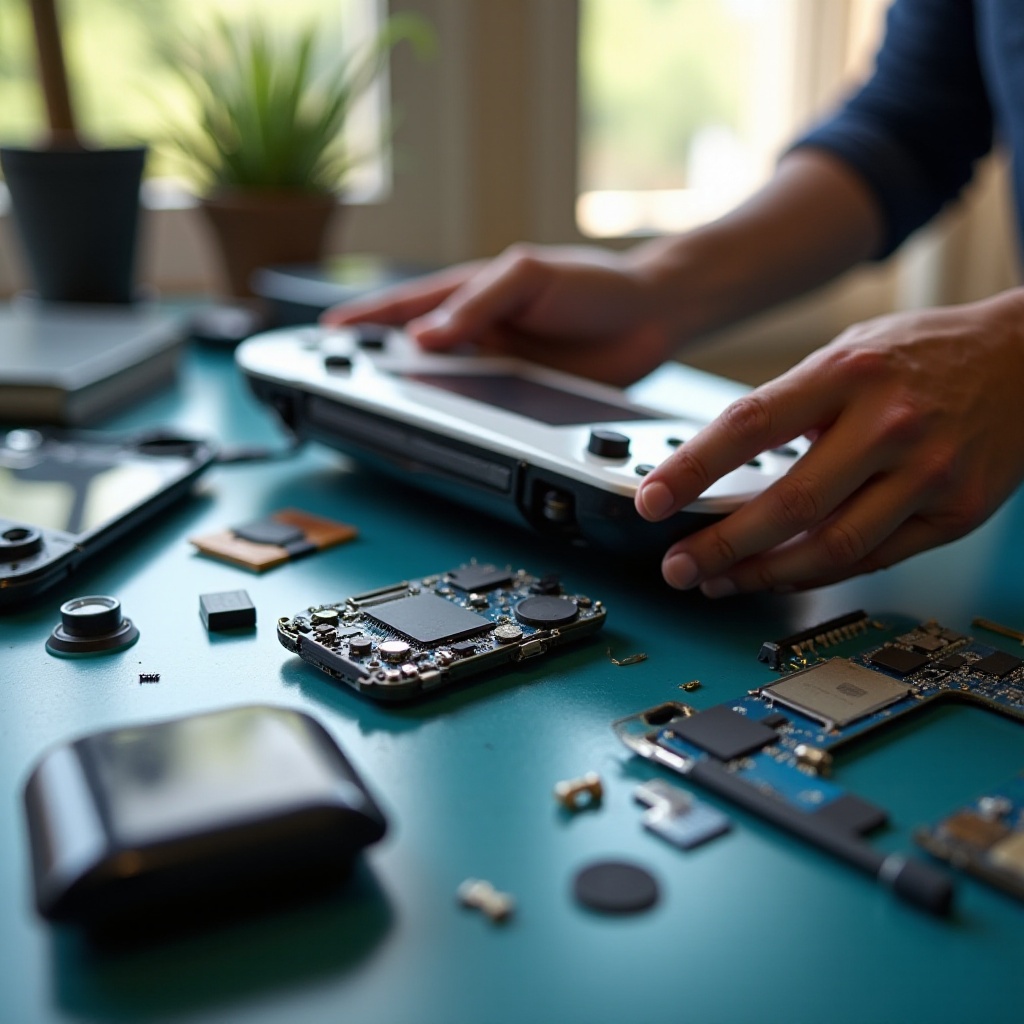
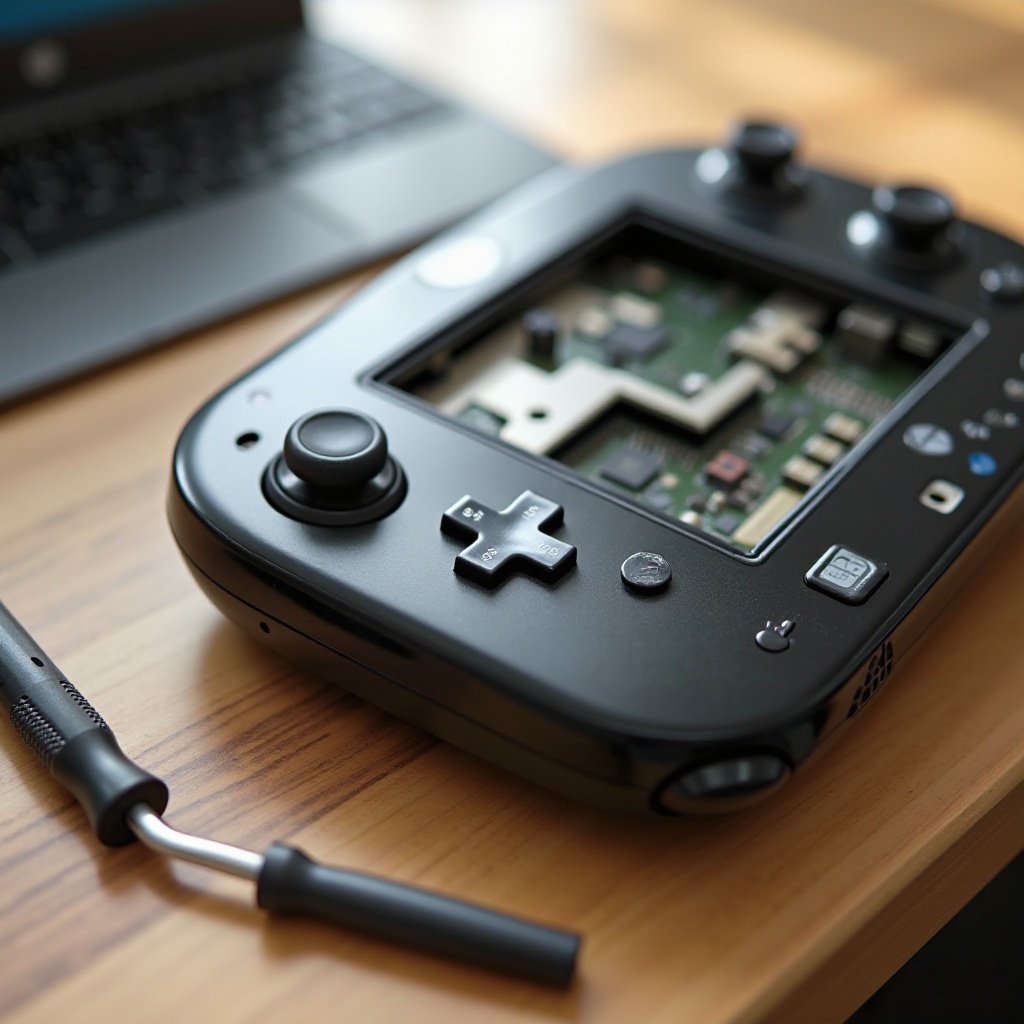
Investigate the gamepad for any physical damages such as cracks or unresponsive buttons, which may necessitate professional repair.
Tools for DIY Repair
For those comfortable with doing their own repairs, having a precision toolkit is invaluable. However, proceed with caution to avoid voiding warranties that could provide manufacturer support.
When to Seek Professional Help
Should your Wii U Gamepad remain nonfunctional after all troubleshooting efforts, consulting a professional technician is advisable. They are equipped to diagnose and correct intricate hardware or software issues, ensuring your device’s return to full functionality while preventing further damage.
Preventative Maintenance Recommendations
To circumvent future complications, regular maintenance of your gamepad is crucial. Employing a protective cover and ensuring careful power management can be beneficial. Handling connections with care will also help in maintaining the gamepad’s longevity and performance.
Conclusion
Handling a Wii U Gamepad that won’t turn on can be a challenge, but by following a structured troubleshooting approach, you can often resolve the issue. From identifying power problems to exploring hardware fixes, you are empowered with actionable information to restore your gamepad for maximum enjoyment.
Frequently Asked Questions
Why won’t my Wii U gamepad charge?
A faulty cable or adapter, incorrect connections, or a depleted battery can prevent charging. Check the power source and cable for damage or try another compatible charger.
Can I replace the battery myself?
Yes, replacing the battery is straightforward. Ensure you purchase a compatible replacement, and follow the guide in this blog to avoid damaging the gamepad.
What should I do if my gamepad is still under warranty?
Contact Nintendo’s customer support for assistance. Avoid attempting DIY repairs, as they may void your warranty, leaving you responsible for any repair costs.