Introduction
Screen bubbles under your iPhone’s screen protector can be annoying and reduce your device’s touch sensitivity. These issues can arise due to several factors. Our guide will provide solutions to remove and prevent these screen bubbles, ensuring your device’s display remains sleek and functional.
Understanding iPhone Screen Bubbles
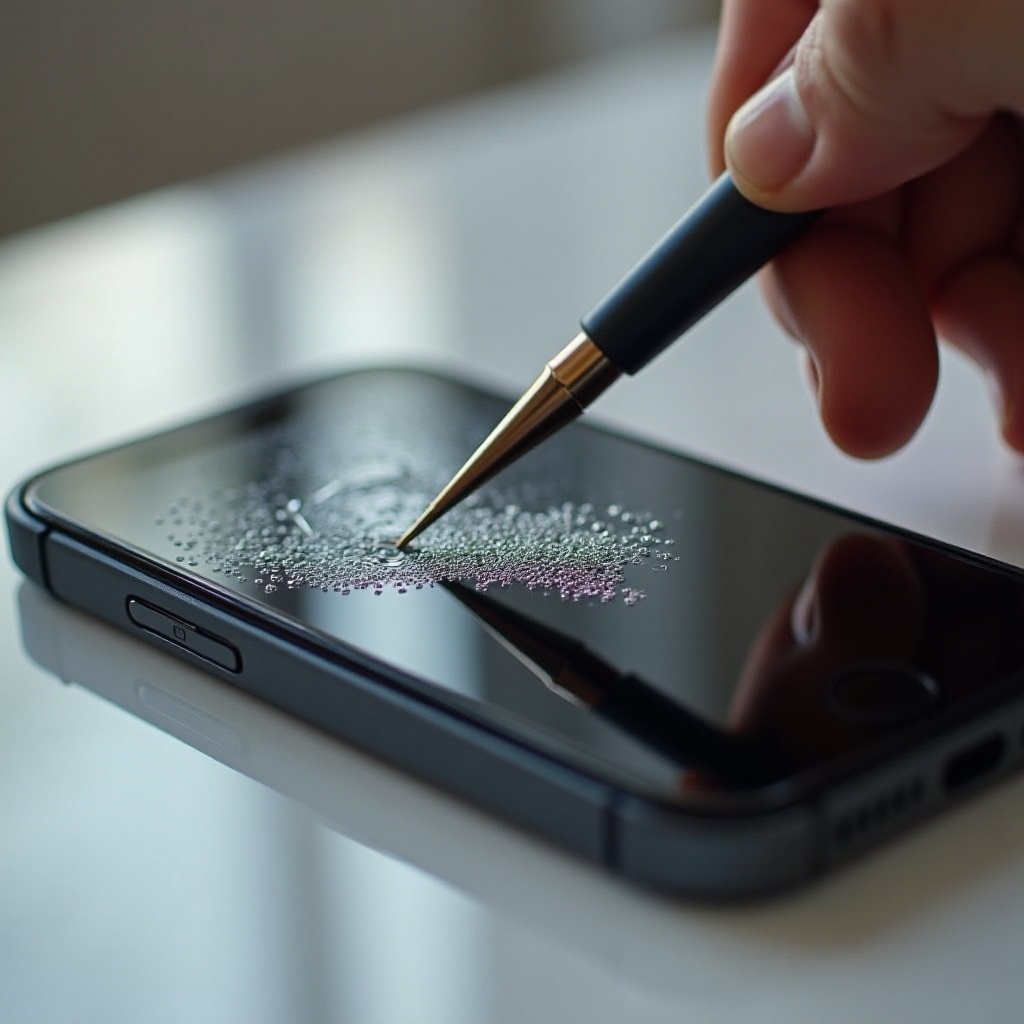
To resolve screen bubble problems, understanding the origin is vital. Bubbles form primarily from trapped dust, incorrect application, or even environmental changes.
What Causes Screen Bubbles?
Bubbles occur when dust particles interfere during protector application or when the protector is not applied evenly. Over time, changes in temperature or humidity can also affect the adherence of screen protectors.
Different Types of Screen Bubbles
Bubbles are generally air pockets from application error or adhesive bubbles suggesting protector faults. Recognizing these helps in determining the right fix.
Once you’ve identified the root cause, you can proceed with appropriate removal techniques. Next, we’ll discuss how to recognize screen bubble issues effectively.
Identifying Screen Bubbles on Your iPhone
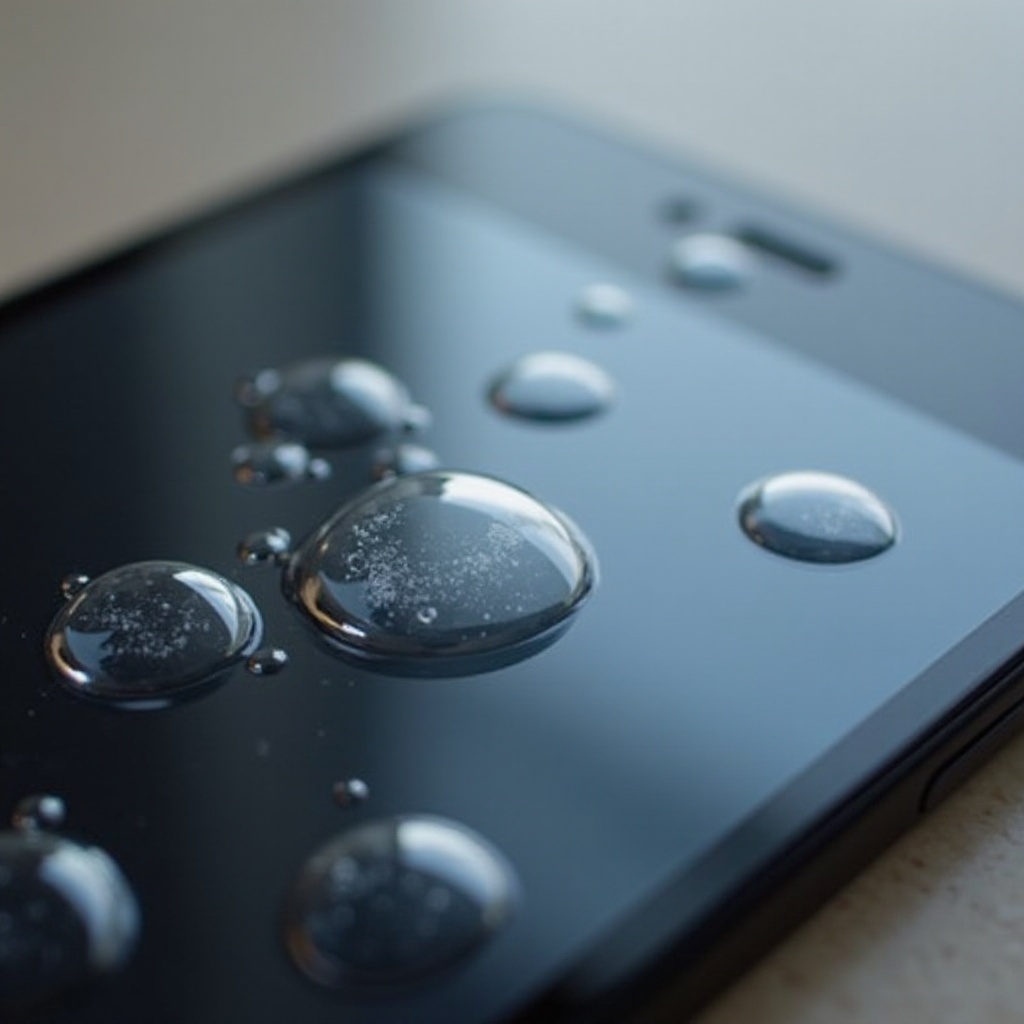
Spotting bubbles on your screen is straightforward—look for air pockets or adhesion issues disrupting your phone’s seamless surface. Pick a brightly lit environment to spot even tiny bubbles better. If touch sensitivity seems off, this may further indicate underlying bubble concerns warranting attention.
Armed with this understanding, it’s time to see how you can remove these nuisances effectively using DIY solutions.
DIY Solutions for Removing Screen Bubbles
Resolving screen bubbles can often be managed with tools and techniques available at home:
Reapplying the Screen Protector
- Gently lift off the screen protector using fingertips or a piece of tape.
- Clean the screen with a microfiber cloth and solution, ensuring it’s spotless.
- Realign the protector carefully, pressing it down from the center outward using a squeegee or a cloth-covered card.
Using Tools to Smooth Out Bubbles
Utilize a squeegee or a soft-edged card, applying consistent pressure from center to edges to smooth out air pockets.
Removing Dust and Debris
If particles are trapped, slightly lift the protector and use tape to extract debris, ensuring a firm reseal after.
These methods usually suffice, but persistent issues might require seeking professional help for a more thorough resolution.
When to Seek Professional Help
If DIY fixes fail to eliminate bubbles, or if new symptoms arise, professional assistance might be necessary.
Signs of Serious Screen Damage
Bubbles accompanied by cracks or persistent touch issues could indicate severe problems needing expert attention.
Finding a Reliable Repair Service
Choose reputable local repair services or authorized centers, guided by reviews and recommendations for quality service.
Once your screen is professionally checked or fixed, choosing a high-quality screen protector becomes paramount in avoiding future bubbles.
Choosing the Right Screen Protector
A proper screen protector is essential in bubble prevention and overall device care.
Tempered Glass vs. Plastic Film
Tempered glass protectors offer superior protection and bubble resistance, outlasting and outperforming plastic films.
Brand Recommendations
Opt for well-reviewed brands known for durability and easy application. Such brands often provide application tools that simplify applying a bubble-free protector.
Adopting proper techniques and careful screen care prevents future bubble formations, maintaining your phone’s pristine condition.
Preventing Future Bubbles
Here’s how you can avoid future bubble formations effectively:
Proper Screen Protector Application
Address dust beforehand and install your protector in a clean, enclosed area to minimize air pocket risks.
Best Practices for Device Care
Regularly wipe your screen with a microfiber cloth to remove dust and handle it gently to prevent impacts affecting protector adherence.
Undertaking these strategies not only maintains clarity but extends the screen’s life, making every interaction with your iPhone as enjoyable as possible.
Conclusion
While screen bubbles may initially appear minor, they can significantly affect your iPhone’s performance and user satisfaction. Understanding causes, addressing issues promptly with DIY solutions or professional help, and choosing the right protector are all vital steps. Implementing proper care and application prevents future bubbles, keeping your screen clear and responsive. With these comprehensive tips, enjoy a seamless iPhone experience without distractions or interruptions.
Frequently Asked Questions
How do you get rid of bubbles on an iPhone screen protector?
Use a soft card to apply pressure from the center outward, reapplying the protector if necessary.
Can bubbles damage my iPhone screen?
Bubbles themselves don’t cause damage but can affect touch sensitivity and device aesthetics.
How long does a screen protector last?
A well-maintained protector can last up to a year, though it might need replacement if damaged.